How It Works?
1
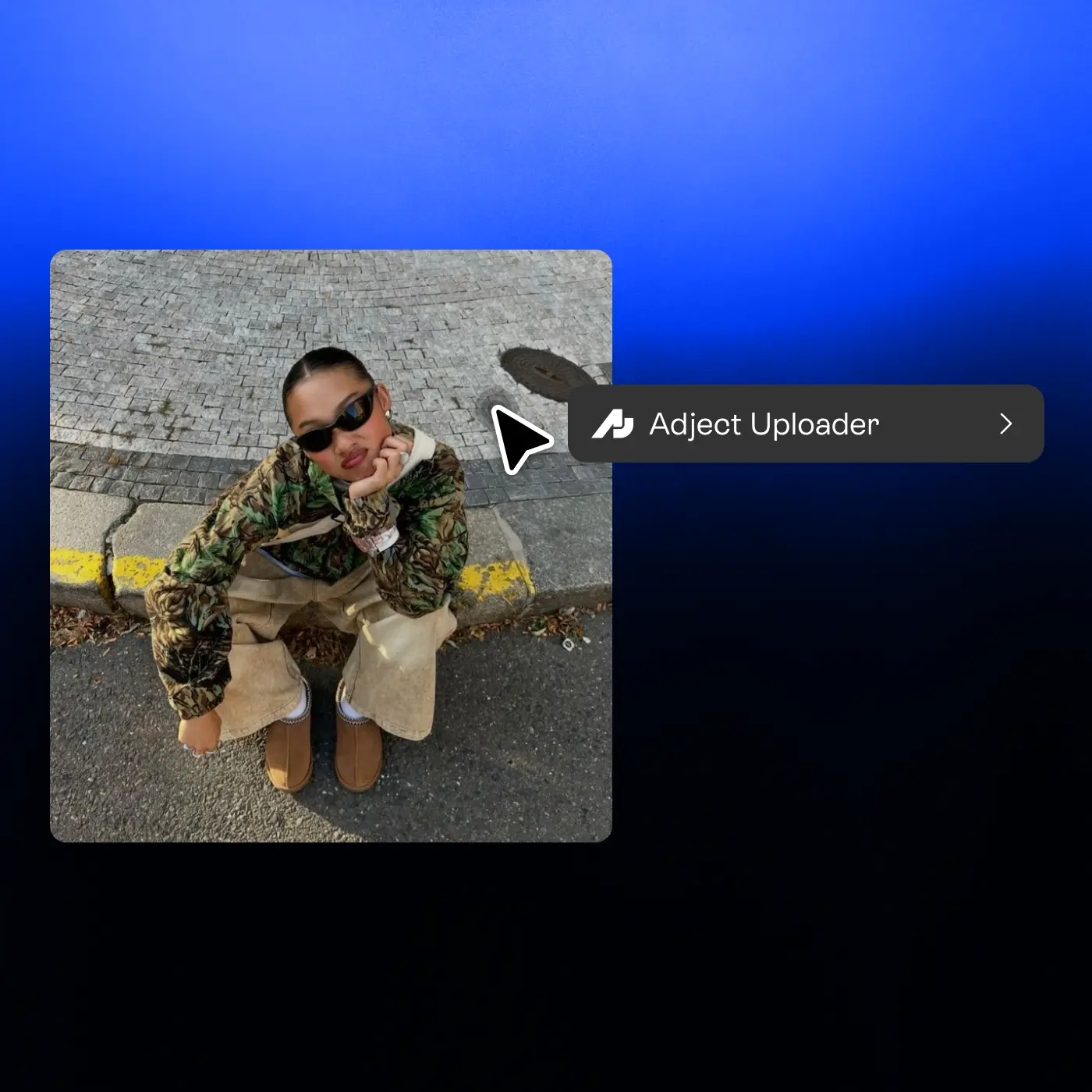
Right-click any image
On any website, right-click an image you want to use.
2
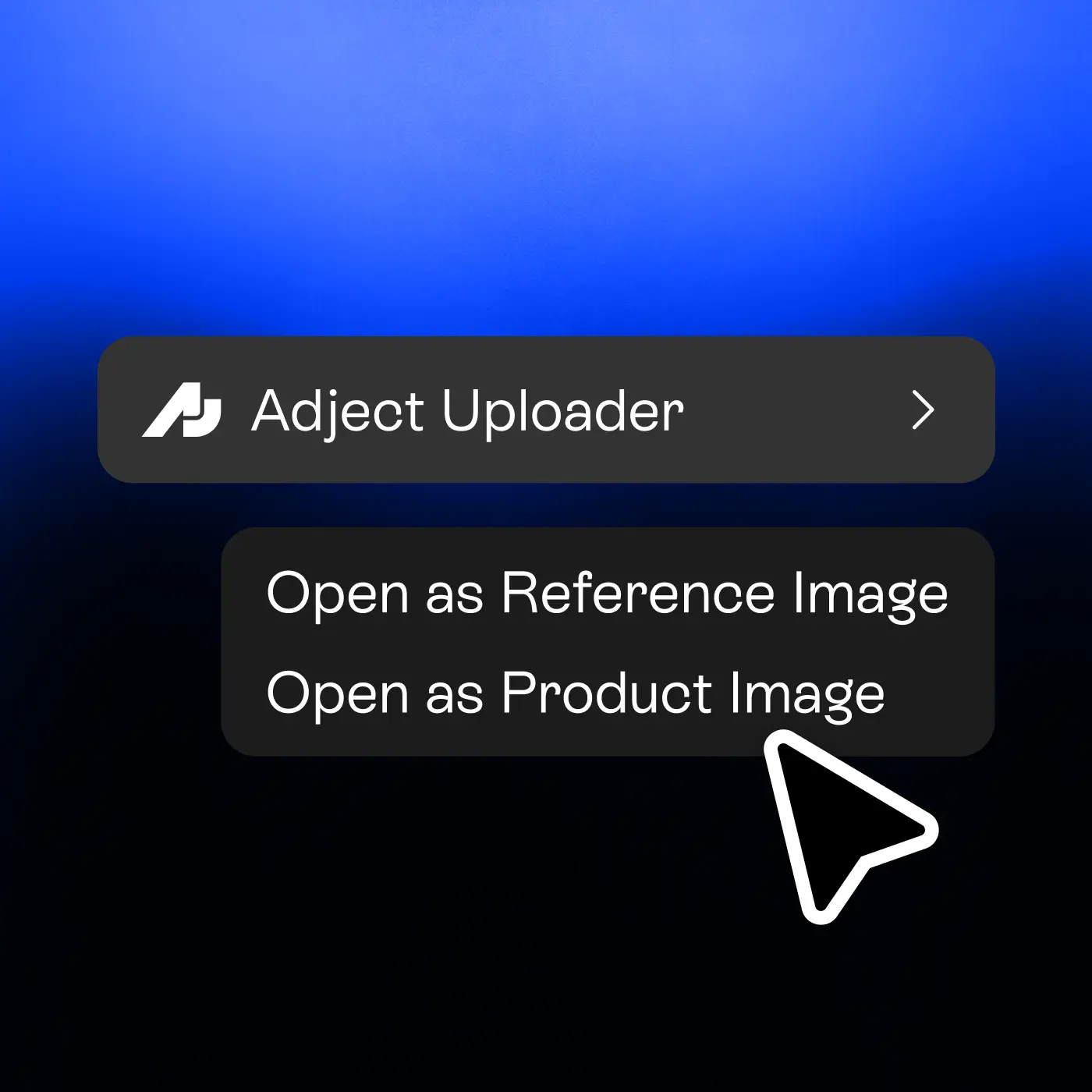
Send it to Adject
Choose to open it as a product image or reference image.
3
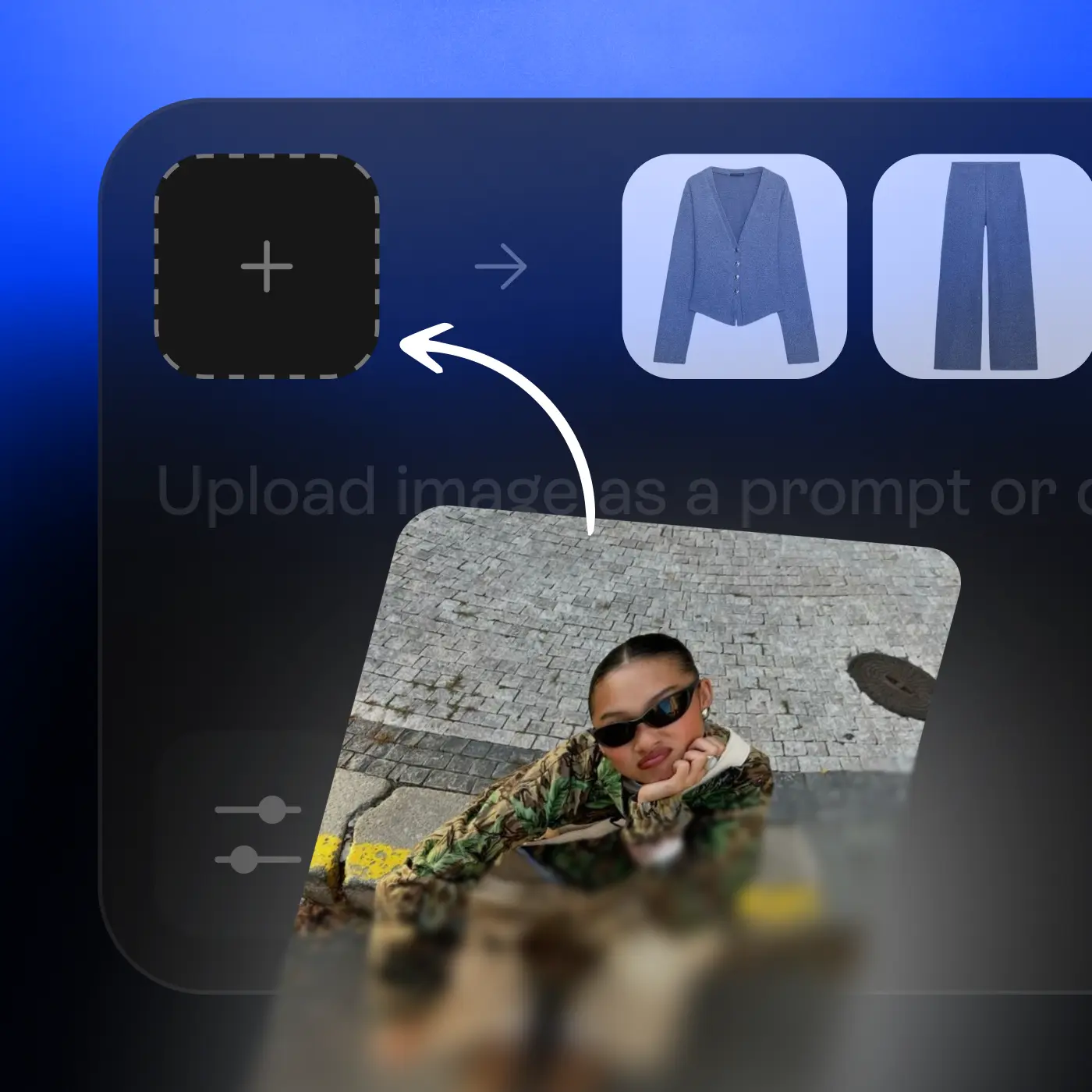
Pick a project
The image is instantly added to your selected Adject project.
1
On any website, right-click an image you want to use.
2
Choose to open it as a product image or reference image.
3
The image is instantly added to your selected Adject project.